
Short-form video keeps accelerating, and teams want photoreal presenters without booking repeated shoots. OmniHuman, built by ByteDance (TikTok’s parent company), generates full-body performances from a single portrait plus audio or motion signals. The beta already produces footage that’s hard to distinguish from live action, so marketers and educators are lining up to test it.
This guide summarizes the Japanese source article so you can understand OmniHuman’s strengths, pricing, workflows, and implementation cautions.
Table of Contents
- What is OmniHuman?
- Core Strengths
- Pricing and Current Limits
- Use Cases and Examples
- Cautions
- Summary
What is OmniHuman?
OmniHuman is a digital human generation model announced by ByteDance in 2025. Feed it a still image plus audio or motion references and it produces a talking, moving person that mirrors the supplied performance. Unlike older deepfake pipelines that demanded many source frames, OmniHuman only needs a single image. Access is currently limited to ByteDance’s “即夢AI (Dreamina)” platform as part of a controlled beta.
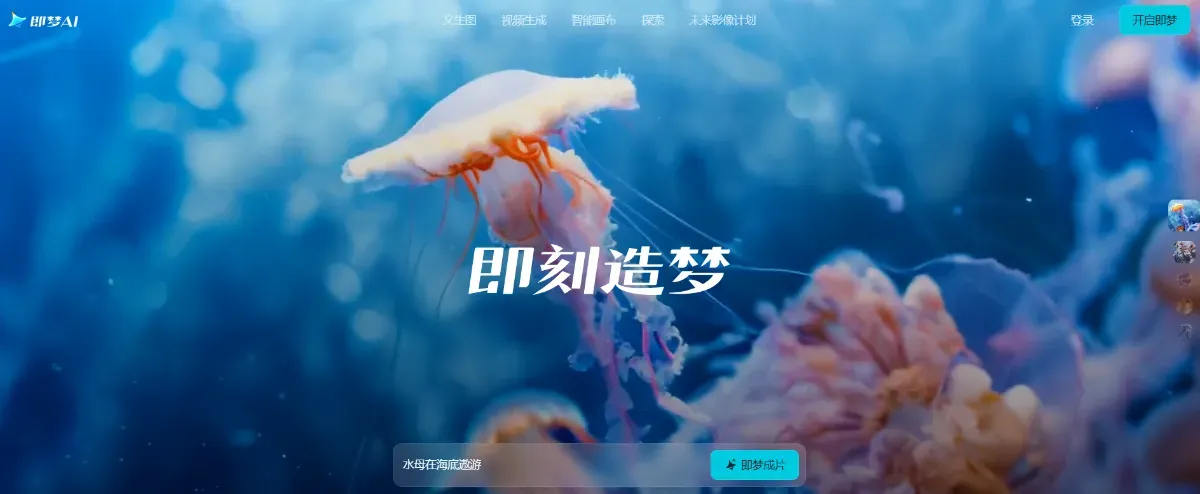
Source: https://jimeng.jianying.com/
Core Strengths
OmniHuman ships with several standout capabilities—below are the ones most relevant for production teams.
Lip Sync and Full-Body Motion
The model not only locks speech to precise mouth shapes but also animates natural hand gestures and body movement. That realism makes keynote-style videos, interviews, and training clips believable without extra cleanup.
Multi-Modal Flexibility
OmniHuman accepts audio tracks, motion/video references, or pose data as conditional signals. You can create a talking-head video from audio alone or clone the body language from existing footage by supplying motion cues.
Input Variety
It supports close-up portraits, half-body shots, or full-body stills. Aspect ratios can be adjusted as well, so promo stills, profile photos, or brand photography can all be repurposed into motion assets.
Photoreal Output Quality
The model preserves micro-expressions, skin detail, and lighting so the final video blends with live-action shots. That matters when inserting generated spokespeople into ads or education content where uncanny artifacts would be distracting.
Pricing and Current Limits
OmniHuman is still in beta, so usage is free but heavily restricted. ByteDance indicated that the GA release will follow a subscription model priced for both individuals and enterprises. Until then, commercial rights are limited, watermarks remain mandatory, and clip length is capped.
Use Cases and Examples
Teams are testing OmniHuman across:
- Social content – animate static photos for TikTok or YouTube explainers
- Marketing – deliver CEO or mascot messages without scheduling shoots
- Entertainment – prototype music videos or film inserts
- Education – recreate historical figures or build language-learning tutors
- Metaverse/Game content – spin up realistic avatars with human motion
Another common workflow chains several generators together: create imagery with Qwen Image, synthesize narration with MiniMax Speech-02-Turbo, drive the character via OmniHuman, refine lip sync with Pixverse, add score via Google Lyria, and coordinate the build in Claude Code. OmniHuman often sits at the center of that pipeline.
Cautions
Because OmniHuman is still pre-release:
- Access windows are limited and not every account is approved yet
- Every output carries a watermark to deter abuse
- The model assumes human subjects; non-human characters may fail or look distorted
Summary
OmniHuman proves how fast digital human tech is advancing: one portrait and a voice clip can now become a believable spokesperson. Lip sync, gestures, and texture quality are strong enough for marketing, education, and entertainment pilots, though the beta’s licensing restrictions mean you should wait for GA before shipping major campaigns. Keep tracking the roadmap—OmniHuman can dramatically shrink production time once commercial terms and tooling stabilize.