
Expanding video and audio content to multiple languages quickly, or automating phone support—AI speech synthesis is rapidly gaining adoption for these needs. ElevenLabs Voice AI delivers high quality, low latency, and multi-functionality in a single platform, generating realistic speech from text instantly. With flexible pricing from free tiers up and tooling for both web studio and API, adoption is accessible even without in-house audio experts.
This guide covers ElevenLabs Voice AI’s architecture, key features, pricing, deployment process, real-world use cases, and risk mitigation.
Table of Contents
- What is ElevenLabs Voice AI?
- Key Features and Strengths
- Pricing Plans
- Web Studio Basics
- 2025 Use Cases
- Pre-Deployment Checklist
- Summary
What is ElevenLabs Voice AI?
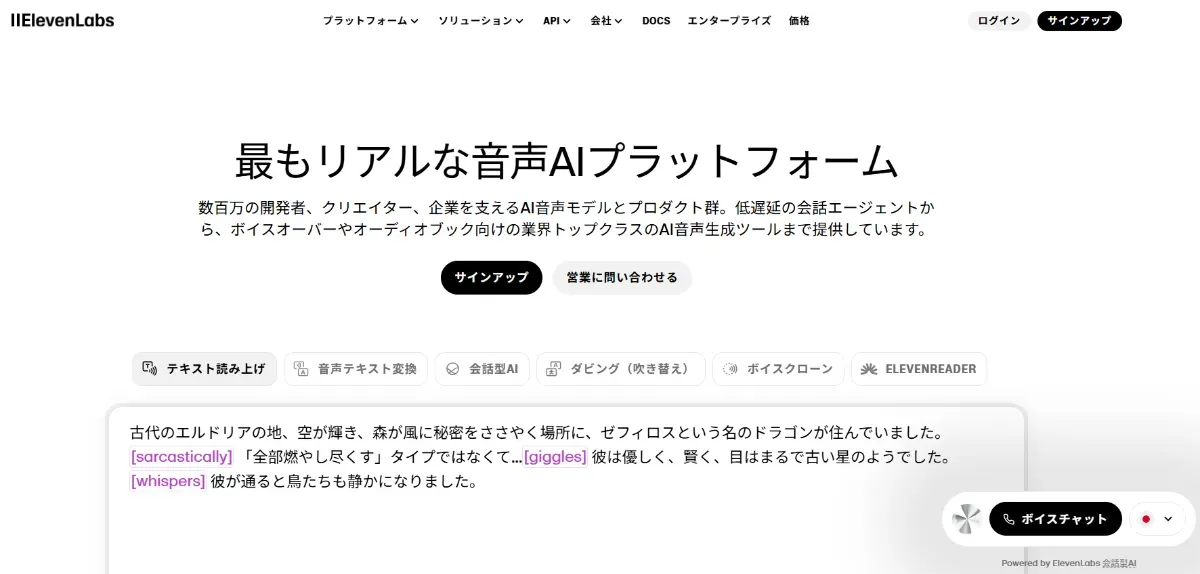
Source: https://elevenlabs.io/
ElevenLabs’ mission is to make information accessible in every language and voice, using proprietary deep learning models to generate speech virtually indistinguishable from humans.
Traditional TTS often produces monotone output, but ElevenLabs understands context to add intonation, pacing, and emotion—a key differentiator. With multilingual models supporting 32 languages and a low-latency model responding in ~75ms, a single API covers use cases from creative production to real-time conversation.
Key Features and Strengths
High-Quality Natural Speech Synthesis
ElevenLabs’ TTS stands out for AI that understands and reproduces human intonation and pacing.
-
High-resolution audio Supports MP3 (22.05–44.1 kHz / 32–192 kbps) and PCM (16–44.1 kHz / 16-bit). Pro plans and above unlock 192 kbps.
-
Fine-grained voice control Sliders for Stability, Similarity, and Style adjust emotional range and source fidelity.
-
Text-based emotion Add joy, anger, or whispers simply through punctuation and context tags like “—he shouted.”
Combine these settings to craft optimal tones from narration to conversational voice.
Multilingual Support
The Multilingual v2 model auto-detects and reads mixed-language text.
-
32 languages supported Major languages including Japanese and English, plus recent additions like Hungarian, Norwegian, and Vietnamese.
 Source: https://elevenlabs.io/docs/models#multilingual-v2
 -
Same voice across languages Apply cloned voices to other languages directly, simplifying global character/narrator deployment.
Translation to speech completes in one stop when expanding content internationally.
Low-Latency Flash v2.5 Model
Optimized for real-time dialogue and in-game voice.
-
~75ms average response Near-instant replies that feel like human conversation.
-
Streaming API HTTP SSE and WebSocket support for generating speech while text streams in.
-
32 languages at lower cost Maintains multilingual support at rates below v2 series.
Ideal for chatbots, IVR, and services where wait time is unacceptable.
Voice Cloning (Instant / Professional)
Digitize in-house narrators or character voices.
-
Instant Clone from ~30 seconds of audio in minutes—perfect for prototyping and A/B testing.
-
Professional Uses 30+ minutes of high-quality recording, producing studio-grade models in 2–4 hours that hold up in long-form content.
-
Voice CAPTCHA verification Identity confirmation before cloning prevents unauthorized duplication.
Manage voice licensing while reducing dependency on external narrators.
Voice Design & Voice Conversion
Create entirely new voices from text descriptions or convert existing recordings to different timbres.
-
Voice Design Specify age, gender, accent, etc. in text to auto-generate matching synthetic voices.
-
Voice Changer API Replace voice timbre while preserving timing—streaming supported.
-
Community Voice Library 5,000+ public voices with contributor royalties on usage.
Line up diverse voices quickly for advertising and game character production.
Supporting Audio AI Tools
Complementary features beyond TTS integrated into the platform:
-
Speech to Text “Scribe v1” 99-language transcription with speaker separation and timestamps—useful for accuracy verification and subtitle generation.
-
Voice Isolator Real-time background noise removal, auto-correcting recordings to studio quality.
Unified dashboard management eliminates the overhead of juggling multiple tools.
Pricing Plans
ElevenLabs offers tiered plans from free to professional, with monthly credit-based usage.
| Plan | Monthly (annual) | Monthly Credits | Commercial License | Key Features |
|---|---|---|---|---|
| Free | $0 | 10,000 | No (attribution required) | TTS / STT / API testing |
| Starter | $5 | 30,000 | Yes | Instant cloning, 20 studio projects |
| Creator | $22 | 100,000 | Yes | Professional cloning, credit top-ups |
| Pro | $99 | 500,000 | Yes | Uncompressed 44.1 kHz output, priority support |
Higher tiers include Scale ($330/mo, 3 users), Business ($1,320/mo, 5 users), and Enterprise (custom quotes) for large-scale use and SLA requirements. See current pricing.
Web Studio Basics
Browser-based workflows split into “Playground” for quick tests and “Studio” for long-form production.
Test voice and emotion parameters in Playground first, then move to Studio once the workflow is locked—efficient from testing to mass production.
| Axis | Playground (Testing) | Studio (Long-form) |
|---|---|---|
| Primary use | Quick voice/model tests | Full book/article narration |
| Input method | Direct text entry | EPUB/PDF/DOCX/URL upload |
| Editing | Real-time speed/emotion sliders | Chapter splits, multi-speaker assignment, diff generation, history |
| Output | Instant MP3 download | Batch MP3/WAV export by chapter or full |
Playground
【Text to Speech】
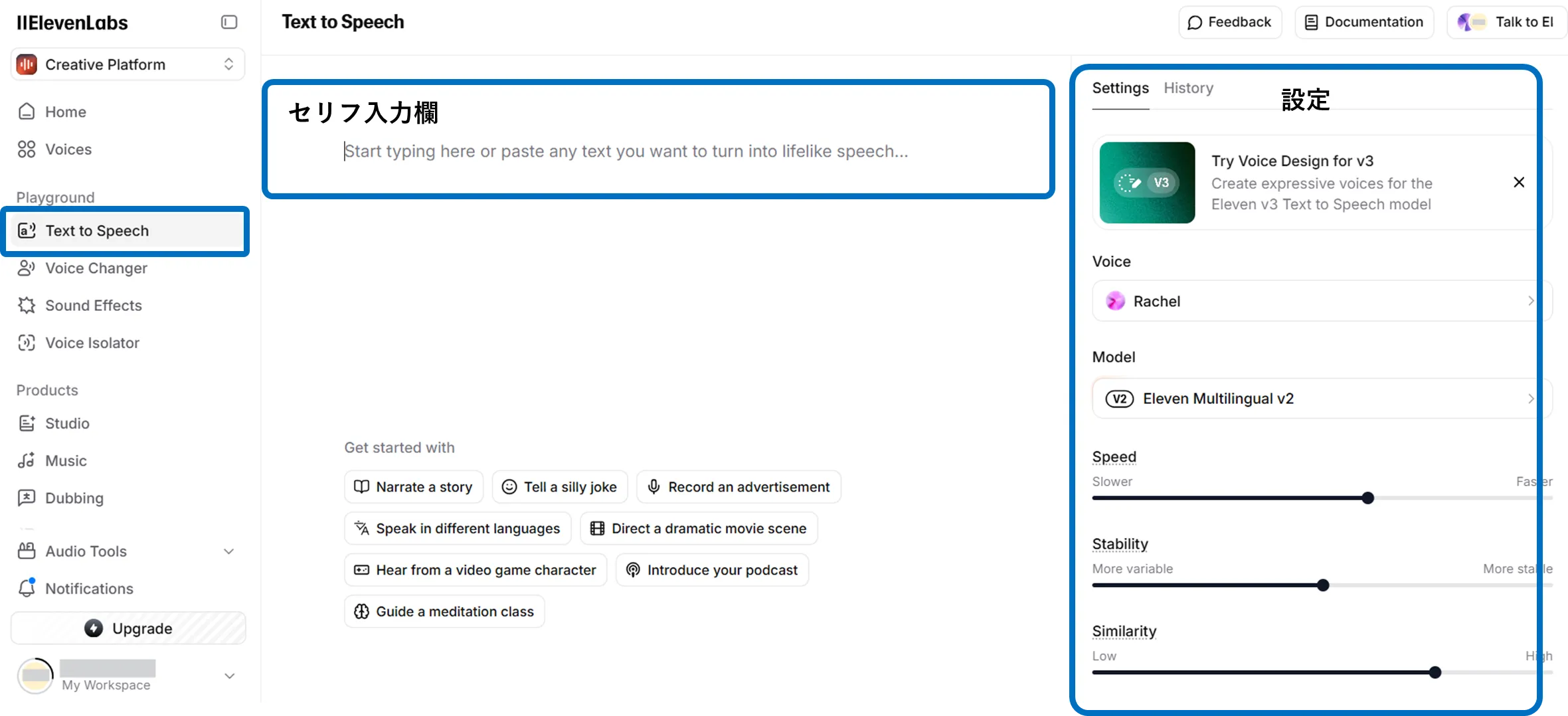
Open “Text to Speech” in the dashboard, enter text, select a voice, and click “Generate speech”—preview plays in seconds. Adjust speed and emotion with sliders, then download MP3 when satisfied.
【Voice Changer】
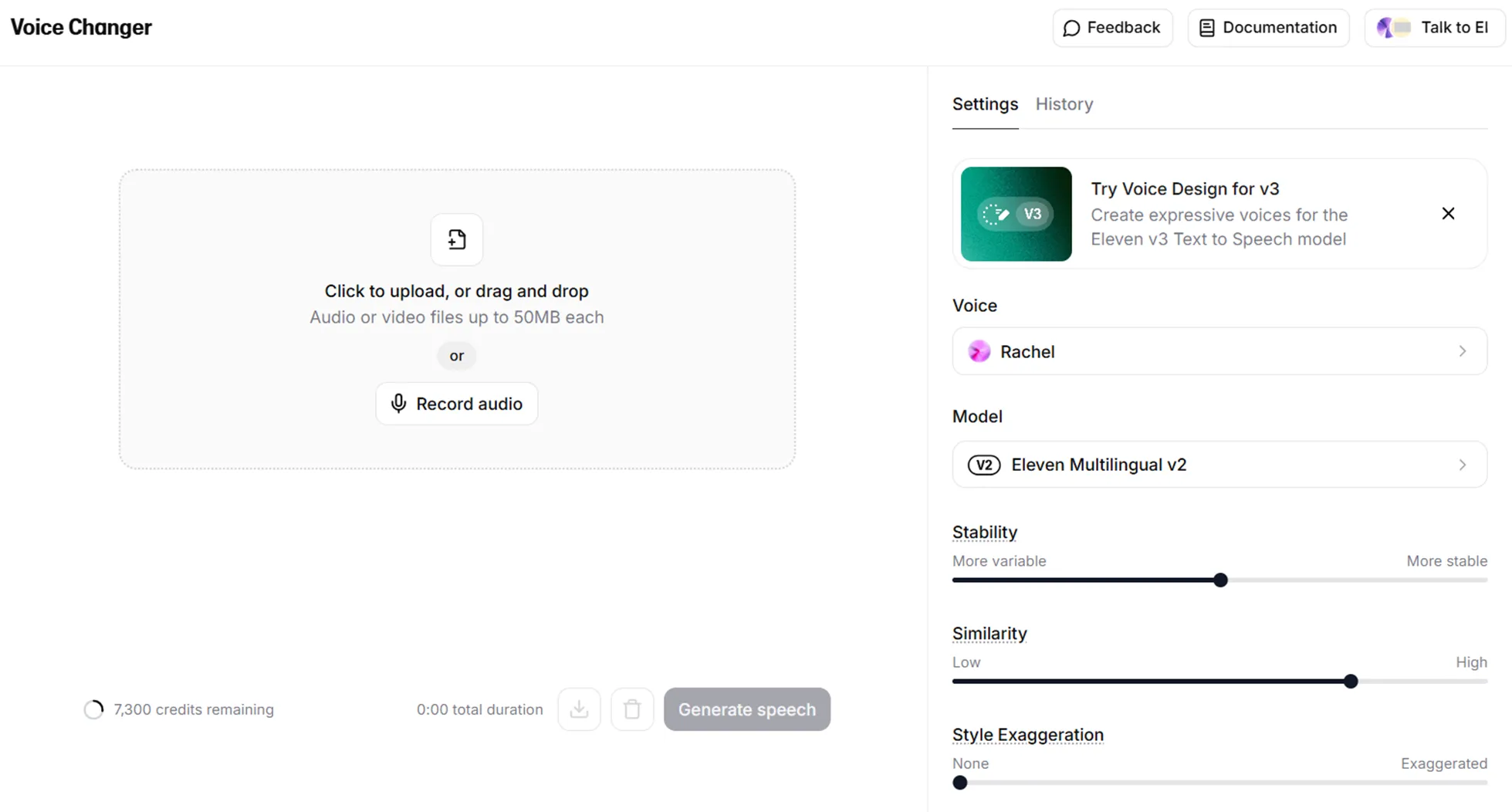
Open “Voice Changer,” upload audio, select a target voice, and click “Generate speech.” Adjust and download as MP3.
【Sound Effects】
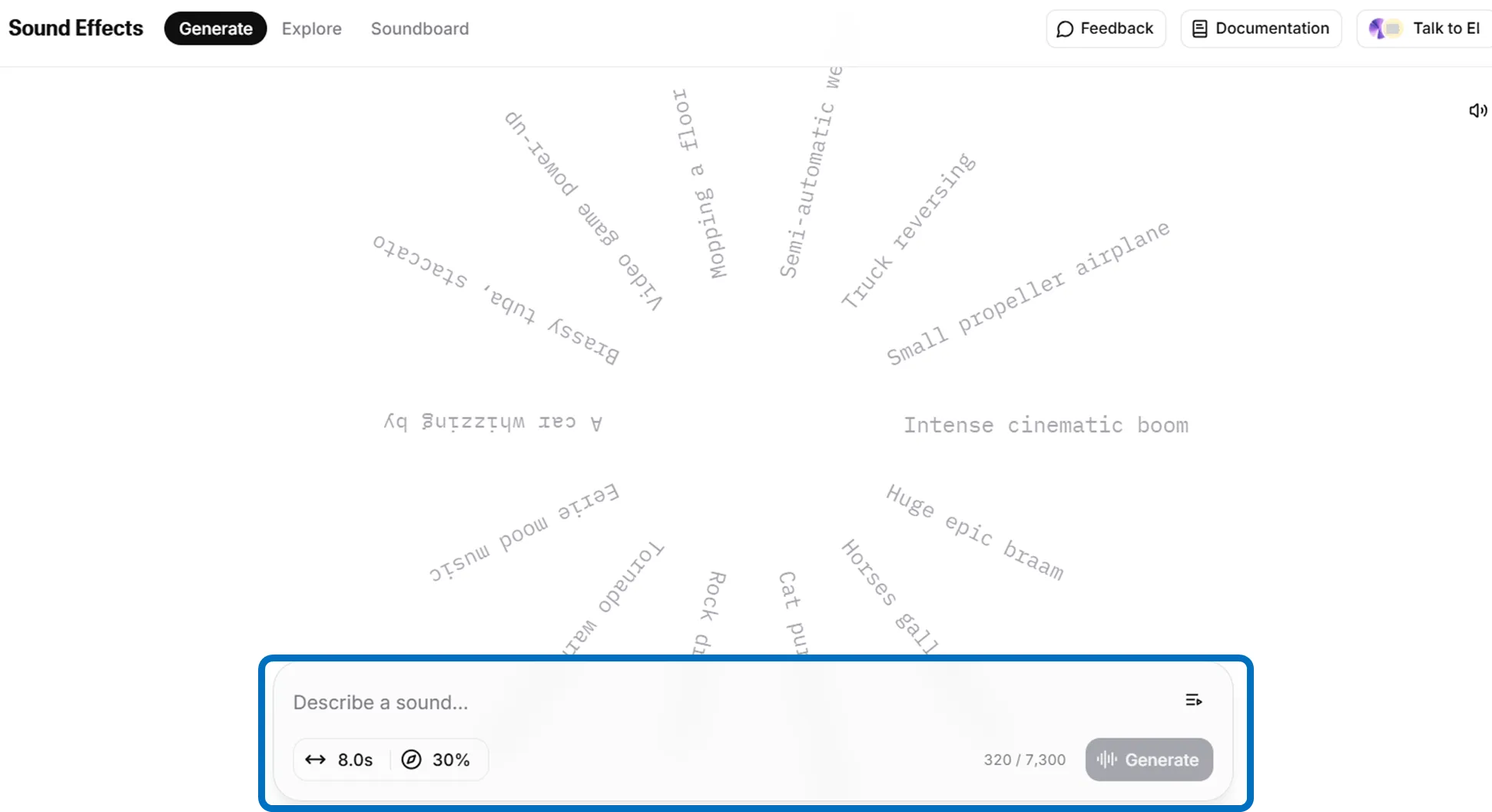
Open “Sound Effects,” describe the desired sound in the input area, and click “Generate.” Preview plays in seconds.
【Voice Isolator】
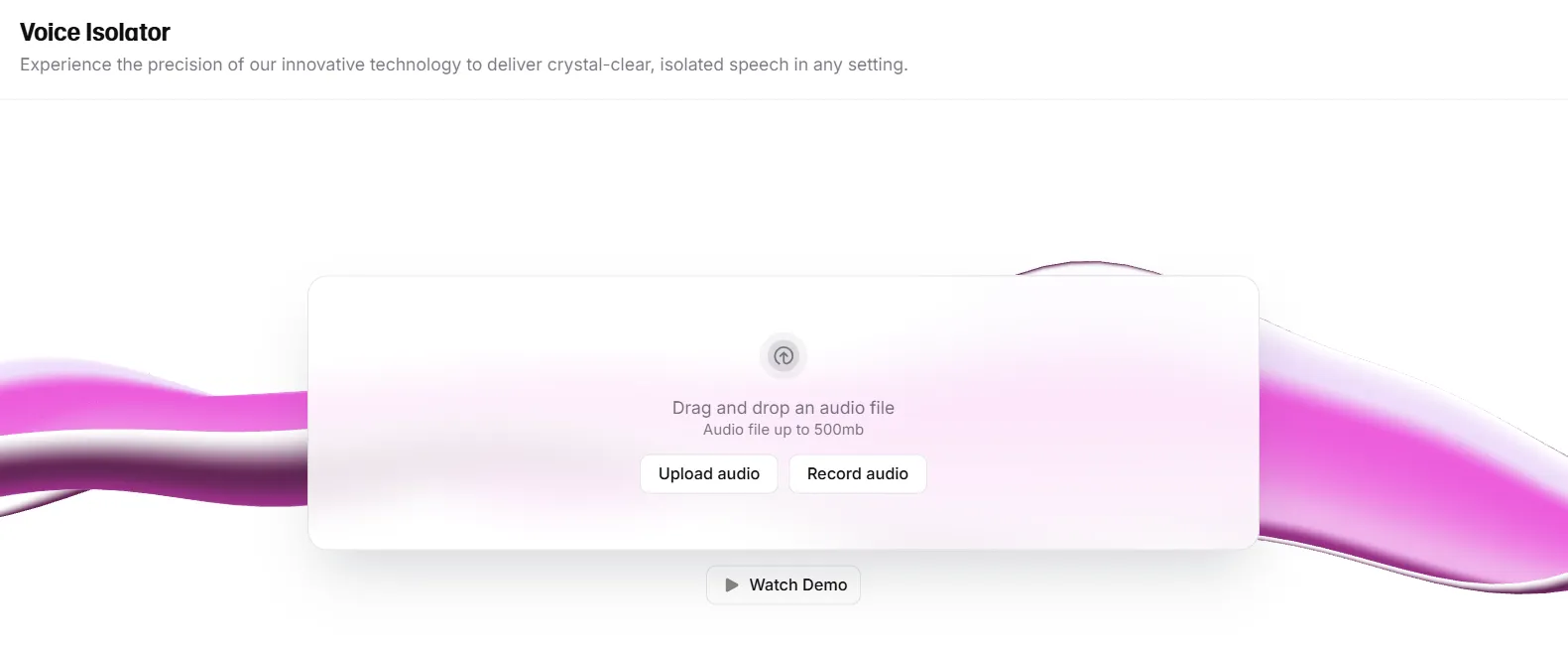
Open “Voice Isolator,” upload audio or record in-browser. Click “Isolate voice” for near-instant preview.
Studio
Choose from “Start from scratch,” “Create an audiobook,” “Create a podcast,” or “Import from URL.”

Load manuscripts (EPUB, PDF, etc.), select voices, and generate speech. Click Export in the top-right to batch-export chapters or full audio. Long-form content auto-splits into chapters; assign character voices via drag-and-drop.

2025 Use Cases
ElevenLabs’ official blog highlights deployments from this year:
-
Cisco Webex AI Agent Customer support AI agent powered by ElevenLabs TTS, improving engagement through natural dialogue (June 2025).
-
Allô Mobile telephony system integrating Conversational AI, building a prototype in one day and doubling call engagement (May 2025). Both leverage low-latency and multilingual capabilities to balance voice quality and customer experience.
Pre-Deployment Checklist
Reviewing these practical considerations upfront prevents issues and enables smooth adoption:
-
Contract and licensing Verify your plan meets credit requirements and commercial license terms. Free tier restricts commercial use—paid plans required for public-facing deployments. Review the “Prohibited Use Policy” to ensure your use case doesn’t involve prohibited activities like political manipulation or misinformation.
-
Tool selection and operations Choose between Web Studio and API based on use case. If integrating via API, coordinate SDK compatibility and integration timing with development schedules. Define operational procedures with stakeholder teams.
-
Technical compatibility Confirm generated audio format and bitrate match target media/application specs. For video or advertising, verify audio quality and loudness balance.
-
Multilingual quality verification When using multiple languages, test pronunciation and intonation naturalness per language in advance. Optimize prompts and translations, watching for slang and cultural nuances. Establish internal review processes.
-
Internal governance and risk ElevenLabs includes guardrails like Voice CAPTCHA verification and clone restrictions, but ultimate responsibility lies with users. Document internal usage policies, voice handling rules, and review workflows; clarify accountability.
Summary
ElevenLabs Voice AI is an integrated audio AI platform combining high quality, multilingual support, and low latency. Easy to trial via web studio, scalable via API for mass automation, and tiered pricing lowers adoption barriers. 2025 saw real deployments at Cisco and Allô, proving results in customer support and mobile communications. Start with the free plan to prototype small volumes, experience audio quality and workflow fit, then scale as needed.