
Fast-moving creative teams obsess over three questions: Can we get on-brand visuals quickly, can we control cost, and can we match intent without endless retries? Hunyuan Image, Tencent’s text-to-image stack, tackles all three. Version 2.0 introduced millisecond-class “draw-as-you-type” previews, while 2.1 went open source with native 2K output plus tight inference efficiency across web, API, and self-hosted paths.
This guide mirrors the Japanese original so English readers can see the exact features, economics, and rollout guardrails before adopting Hunyuan Image.
Table of Contents
- Overview of Hunyuan Image
- Core Features and Strengths
- Delivery Options and Pricing
- Getting Started
- Pre-Deployment Checks
- Operational Risks to Watch
- Summary
Overview of Hunyuan Image
Source: https://hunyuan.tencent.com/image/zh?tabIndex=0
Hunyuan Image sits inside the broader Tencent Hunyuan foundation-model family. After shipping the commercial 2.0 release, Tencent open-sourced version 2.1—complete with weights and code—so teams can study or self-host a 2K-native generator with explicit efficiency targets.
Version 2.0 had already pushed a “millisecond preview” experience across the public web tool, Tencent Cloud console, and managed APIs. Between GUI access, fully managed APIs, and the OSS release, Hunyuan Image can graduate from quick trials to embedded workflows without switching vendors.
Core Features and Strengths
| Capability | What it delivers | When to use it |
|---|---|---|
| Real-time generation (2.0) | Millisecond feedback while you type, speak, or sketch. | Brainstorm reviews, live production, collaborative sessions. |
| Native 2K output (2.1) | Efficient 2048×2048 renders without bloated runtimes. | Print signage, high-detail product shots, hero creatives. |
| Multilingual text fidelity | Dual text encoders (scene-focused MLLM + ByT5 for glyphs) keep typography sharp across languages. | Global campaigns, poster layouts, type-heavy compositions. |
| Flexible inputs | Text prompts, sketches, and reference images, all exposed via API. | Style transfers, line-art coloring, composite briefs. |
| Modular deployment | Web UI, Tencent Cloud APIs, or self-hosted OSS. | Start lightweight, then wire into production or private infra. |
Real-Time Generation in 2.0
2.0 replaces the “prompt → wait → tweak” loop with true live feedback.
- Radical wait-time drop – Commercial peers often need 5–10 seconds per draft; Hunyuan Image 2.0 refreshes previews in milliseconds, even mid-typing or when dictating.
- Draw-as-you-decide UI – The real-time canvas recolors as you sketch or adjust sliders, and it can merge multiple references while auto-matching lighting and perspective.
- Multi-input workflows – Text, audio, and sketches all act as first-class inputs, so livestream directors or review sessions can iterate without context switching.
2K Quality with Efficient Inference in 2.1
Version 2.1 rebuilds the stack so 2K renders are the default, not an upscale.
- Architecture – A 17B-parameter DiT pairs a scene-aware multimodal encoder with ByT5 for multilingual lettering, so long prompts and on-image text stay coherent.
- High-ratio VAE – A 32× compression VAE keeps token counts near 1K-level models, enabling 2K frames without blowing out latency.
- Quality tuning – RLHF plus a refiner stage and PromptEnhancer stabilize composition, multi-object scenes, and facial acting.
- Inference efficiency – MeanFlow distillation maintains quality in as few as eight steps, while FP8 quantization lets a single 24 GB GPU run 2K jobs (with offloading). Tencent explicitly warns that 1K renders introduce artifacts—the system is tuned for 2K.
GUI/API/OSS Ecosystem
Hunyuan Image is intentionally multi-modal on the ops side as well.
- GUI (console) – Enable the “Large Model Image Creation Engine” inside Tencent Cloud and test from the visual UI. A 50-image free tier covers both the standard and lightweight models.
- API – Submit async jobs (Submit/Query) or use the dialog-style variant. Default concurrency is 1; add-on packs cost 500 CNY/day/slot or 10,000 CNY/month/slot.
- Billing order – Consumption burns free quota first, then prepaid resource packs, then pay-as-you-go; standard jobs list at 0.5 CNY/image while the lightweight tier starts at 0.099 CNY/image with volume discounts.
- Open source (2.1) – GitHub + Hugging Face host the weights; Tencent documents a 24 GB VRAM requirement (with FP8 + offloading) and strongly recommends keeping 2K output.
Delivery Options and Pricing
| Delivery | Entry point | Indicative pricing |
|---|---|---|
| Web / console | Tencent Cloud “Large Model Image Creation Engine” UI | 50 free images when you activate the service; thereafter you fall back to usage-based or resource packs. |
| API | Tencent Cloud “混元生図 (AI Image Generation)” API | Pay-as-you-go: 0.5 CNY/image for the standard tier, 0.099 CNY/image (and down) for the lightweight tier. |
| Concurrency packs | Add-on slots for the API | 500 CNY per day per slot or 10,000 CNY per month per slot. |
| WeChat “AI配図” | Built-in illustration assistant for official accounts | Usage restricted to WeChat; Tencent doesn’t publish pricing. |
| Open source | GitHub / Hugging Face (Hunyuan Image 2.1) | Free to download; infrastructure costs depend on your own GPUs (24 GB VRAM recommended for FP8). |
Tencent’s pricing docs clearly spell out the quota order, concurrency add-ons, and FAQ coverage—read them before you automate billing.
Getting Started
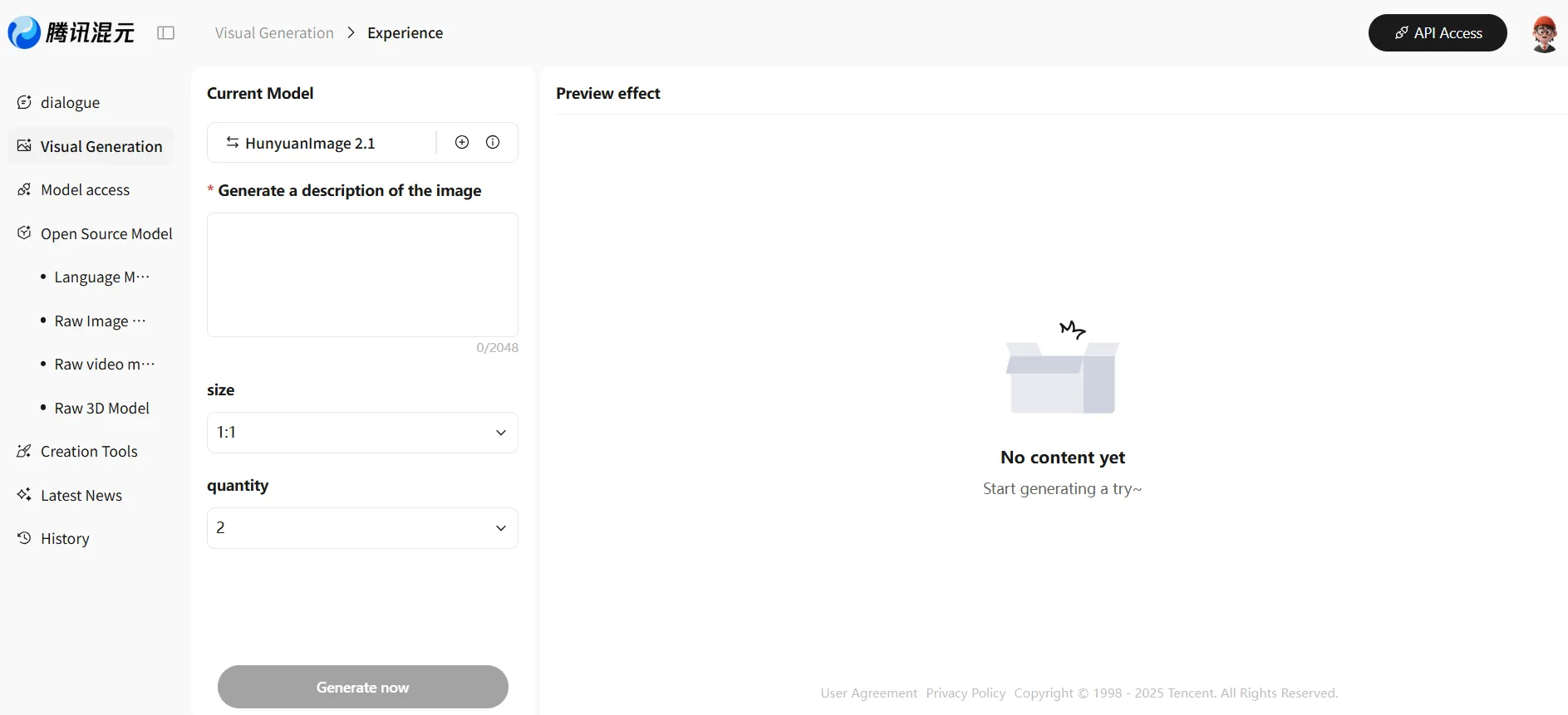
You can test the model with just an email address.
Source: https://hunyuan.tencent.com/modelSquare/home/play?modelId=286&from=/visual
-
Playground – Enter prompts, adjust resolution/count, hit Generate, and review or download results directly in the browser.
-
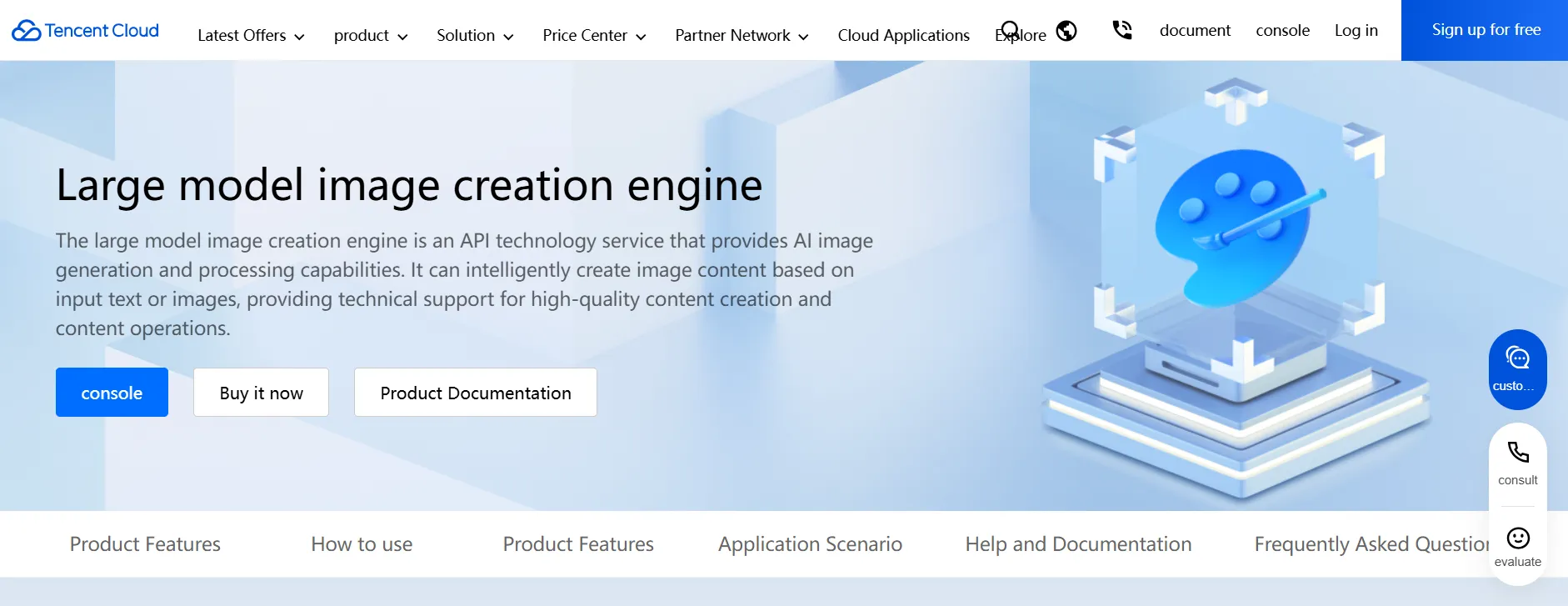
API – After enabling the service in the console, use API 3.0 Explorer to send test jobs, then export sample code/SKD bindings for your app. Billing follows the pricing guide noted above.
-
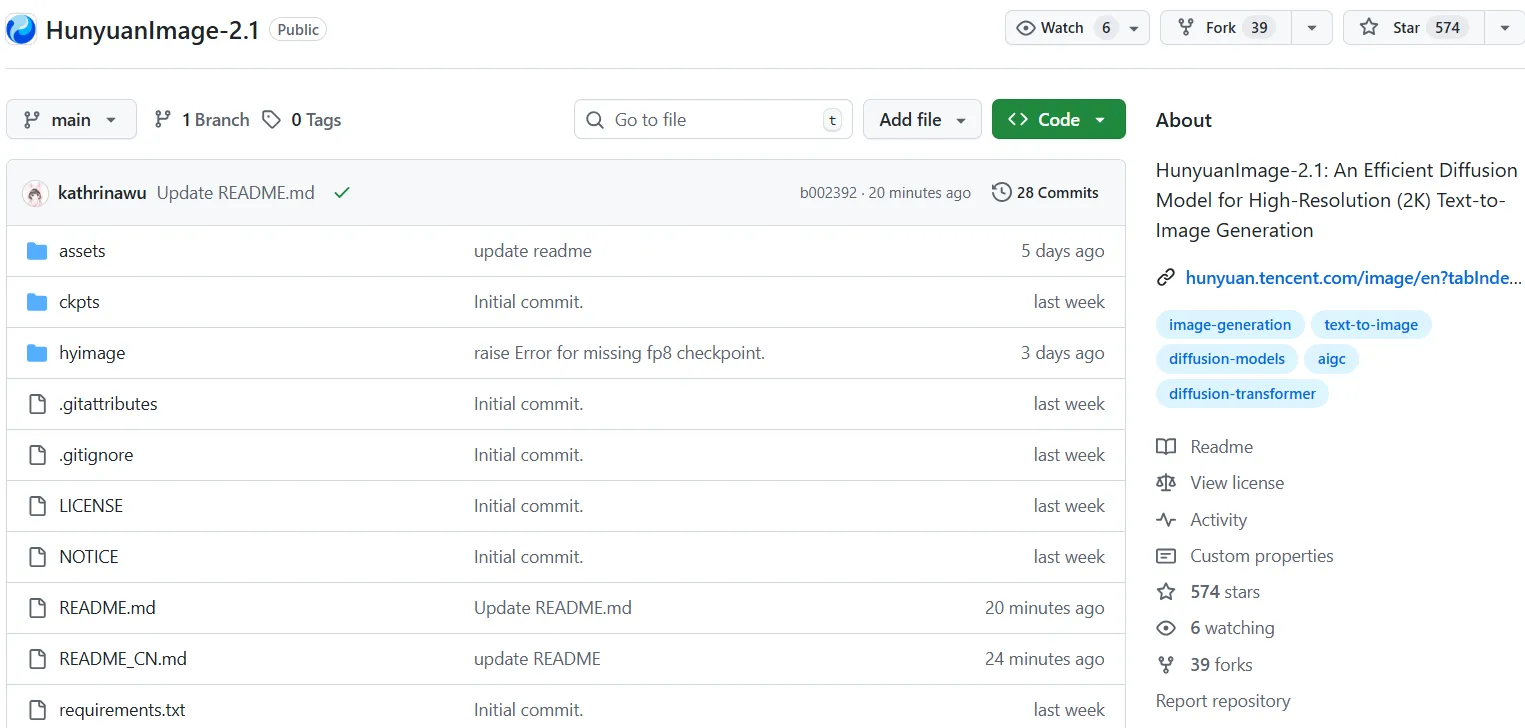
OSS – Follow the GitHub README to provision the environment, fetch checkpoints, and run 2.1 locally. The documentation highlights the 2K-first design, the warning about 1K artifacts, and the FP8/24 GB VRAM guideline.
Many teams start with the GUI to gauge quality/speed, wire the API into creative tooling next, and only then evaluate OSS hosting for regulated workloads.
Pre-Deployment Checks
- Rights & moderation – Tencent’s FAQ clarifies that you must hold rights to the prompts/outputs and that automated moderation blocks disallowed text or imagery. Pair with “Image Content Safety (IMS)” if you need additional filtering.
- Concurrency planning – API slots are upgradeable, but you need to budget for the daily/monthly packs noted earlier.
- Contracts & SLAs – Review the service terms, creative-service addendum, and SLA so you know the usage limits and responsibilities.
- Cost controls – Understand how free → prepaid → pay-as-you-go quotas cascade, and set budgets/alerts accordingly.
Operational Risks to Watch
- WeChat scope – The “AI配図” feature locks generated assets to use inside WeChat official accounts; redistribution elsewhere is prohibited.
- Resolution assumptions – The OSS release is tuned for 2K output; Tencent warns that 1K renders can introduce artifacts, so plan deliverables accordingly.
- Hardware requirements – Local deployments target 24 GB VRAM with FP8 quantization; follow the README’s exact instructions.
- Compliance drift – AI content policies evolve; keep tabs on Tencent Cloud’s moderation updates and regional AIGC regulations.
Summary
Hunyuan Image combines millisecond feedback (2.0) with native 2K quality plus efficient inference (2.1), then exposes those capabilities through a GUI, cloud APIs, and open-source weights. The pragmatic rollout path: validate output in the GUI, model the cost stack (free → resource packs → PAYG), embed the API once you’re satisfied, and evaluate OSS hosting when governance requirements demand it.
If you document content rights, safety workflows, concurrency budgets, and operating limits up front, you can scale usage in controlled phases without surprises.