
Speed matters in marketing video workflows. Google’s Veo 3 model generates moving images and synchronized audio from a text (and optional image) prompt, and it now shows up directly inside YouTube Shorts plus Google Vids. That means ideation, editing, and publishing can live in the same stack if you operate inside the supported regions.
This article mirrors the Japanese original so English readers can see exactly how Veo 3 behaves inside Shorts and Vids, along with rollout conditions and gating factors.
Table of Contents
- Veo 3 Overview
- Expansion into YouTube Shorts
- Expansion into Google Vids
- Operational Checks Before Adoption
- Summary
Veo 3 Overview
Veo 3 is the Google DeepMind video generator that emits footage plus dialogue, SFX, and ambience in one pass. It reads natural-language prompts (and reference images, if needed) and can output anything from short clips to higher-resolution shots depending on the tier.
You may also want to read
Expansion into YouTube Shorts
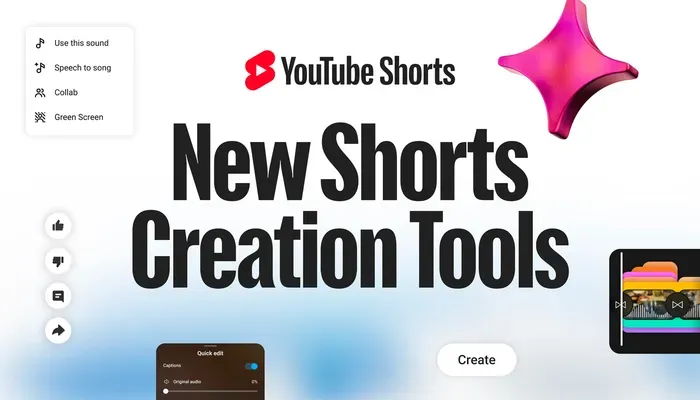
YouTube integrates a custom build of Veo 3 Fast, so creators can spin up clips without leaving the Shorts app.
- Instant generation Tap Create → Sparkles and enter a prompt to get an audio-backed 480p clip directly inside Shorts.
- Edit with AI The app can parse camera-roll footage, pick scenes, add transitions, and lay down music automatically.
- Audio play “Speech to Song” remixes spoken lines into music, adding entertainment hooks for Shorts-first campaigns.
The idea is to shove more of the shooting/editing/publishing chain into one interface so you can spend time on fine cuts instead of setup. As of 18 September 2025, access is limited to the US, UK, Canada, Australia, and New Zealand, with other regions (including Japan) on hold until YouTube announces more.
Expansion into Google Vids
Source: https://workspace.google.com/intl/ja/products/vids/
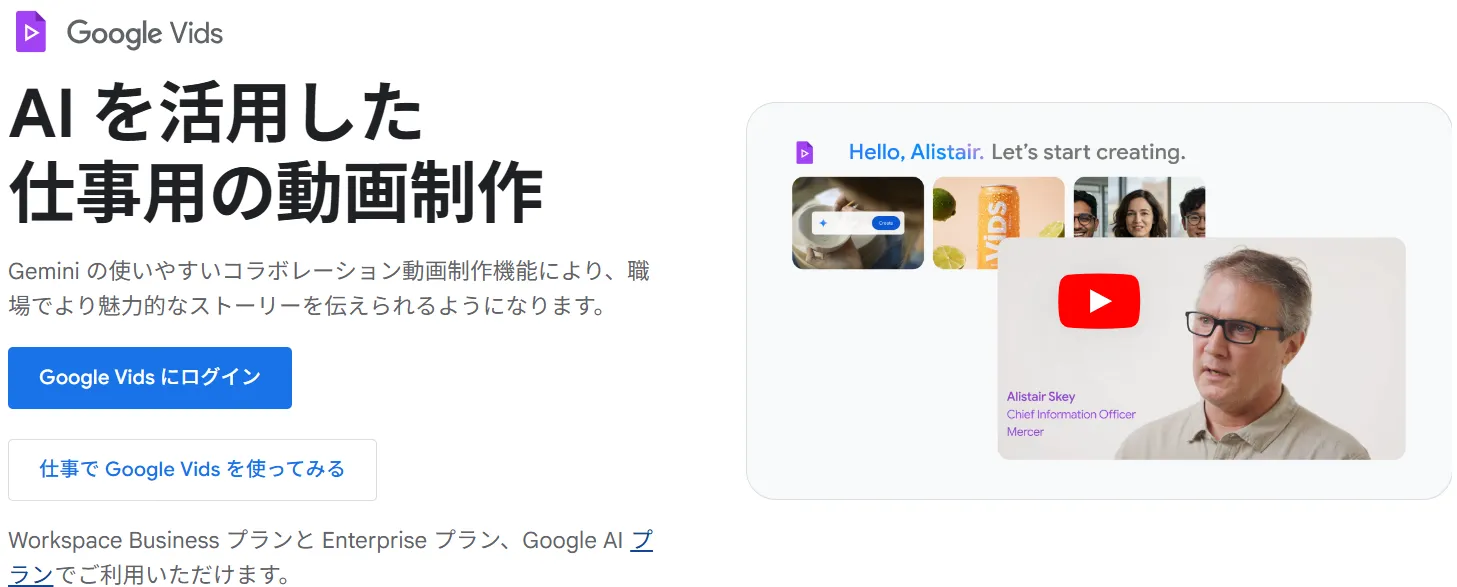
Google Workspace’s new Google Vids editor also taps Veo 3, letting teams embed short explainer clips in decks and documents.
- Prompt-to-video Generate 8-second, 720p/24fps clips with audio from plain text, then drop them straight into your slides.
- Image-to-video Upload a still, describe the motion, and Veo turns it into an 8-second sequence.
- Availability Business, Enterprise, and Nonprofits editions are rolling out support, with premium features tied to Google AI Pro/Ultra plans.
Because Vids targets Workspace users, the assumption is that presentations and proposals need motion inserts without sending files to an external editor. Paid plans are required, and higher-tier add-ons unlock the most advanced Veo 3 capabilities.
How to Use Veo Inside Google Vids
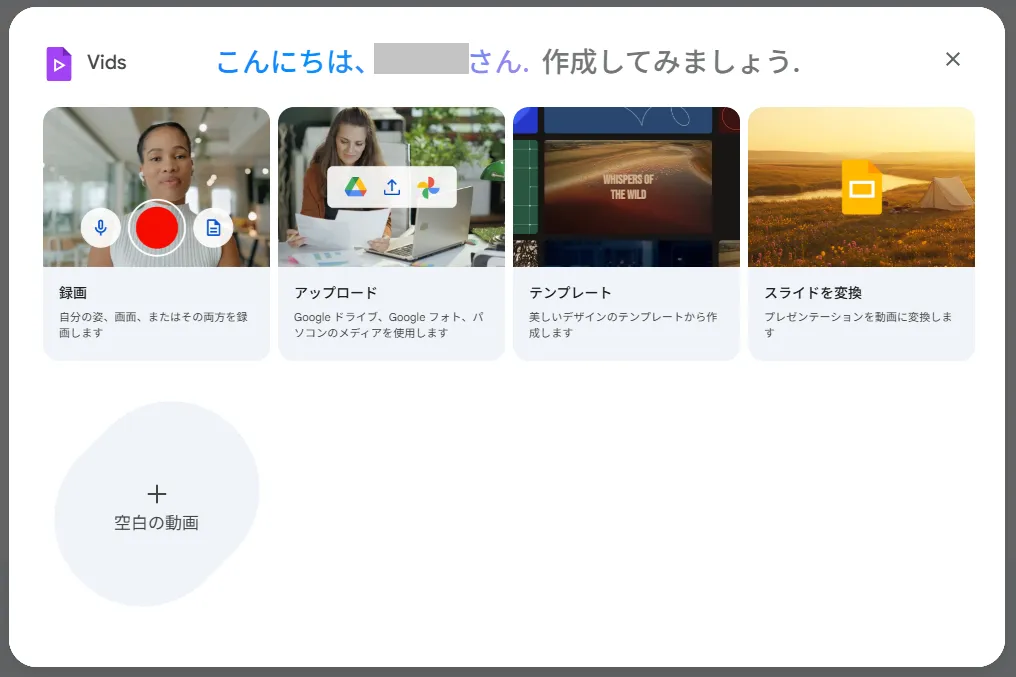
The workflow sits in the right-hand panel of the editor:
- Open your Vids project and pick the Veo sidebar tab.
- Enter the desired visuals, camera moves, and audio cues as text. Within seconds you’ll see a preview.
- Hit Insert to place the clip. If you’re animating a still image, upload it in the same panel, describe the movement, and Veo returns an 8-second animation.
That makes it trivial to pepper proposals with short demos or atmospheric loops without leaving the document.
Operational Checks Before Adoption
Hammer out the logistics before you promise Veo-based automation to stakeholders:
- Resolution + length Shorts outputs 480p, while Vids is capped at 8 seconds, 720p/24fps, 16:9. If you need 1080p or vertical canvases, route those jobs through Vertex AI or another Veo interface.
- Audio + language Edit with AI’s voice-over currently supports English and Hindi, and several Vids AI surfaces are marked English only. Validate narration requirements up front.
- Region + plan gating Shorts access is staged across the US/UK/CA/AU/NZ, and the Vids image-to-video feature explicitly excludes EEA/Switzerland/UK during the phased launch. Confirm availability per product.
- Disclosure + compliance Define how you’ll handle SynthID watermarks and “AI-generated” labels, plus rules for narration/BGM licensing and credit strings.
Locking these policies down keeps onboarding clean and avoids rework once campaigns scale.
Summary
Veo 3 is no longer a standalone generator—it’s the backbone of both YouTube Shorts experiments and Google Vids motion inserts. Start by trialing instant Shorts generation in live markets, then layer 8-second explainer clips into Workspace decks. Monitor the regional rollouts, keep specs handy, and codify watermark + disclosure workflows so you can adopt each surface as soon as it lands in your territory.