
The demand for fast, reliable, and on-brand visuals keeps growing, and creative teams need image models that can keep up. FLUX (Flux.1)—built by Black Forest Labs, the group behind Stable Diffusion—has emerged as one of the most balanced options thanks to its high fidelity, prompt faithfulness, and flexible licensing.
Table of Contents
- What is FLUX?
- Product Highlights
- Model lineup
- Getting Started with Flux AI Tools
- Pricing Snapshot
- Bottom Line
What is FLUX?
FLUX is a text-to-image model family built to combine enterprise reliability with open-source extensibility. The flagship FLUX.1 series is a 12B-parameter diffusion model trained to understand cinematic prompts, complex lighting, and subtle product cues. Compared with Midjourney or SD3, it produces more realistic skin, textiles, and perspective.
Why the Industry Cares
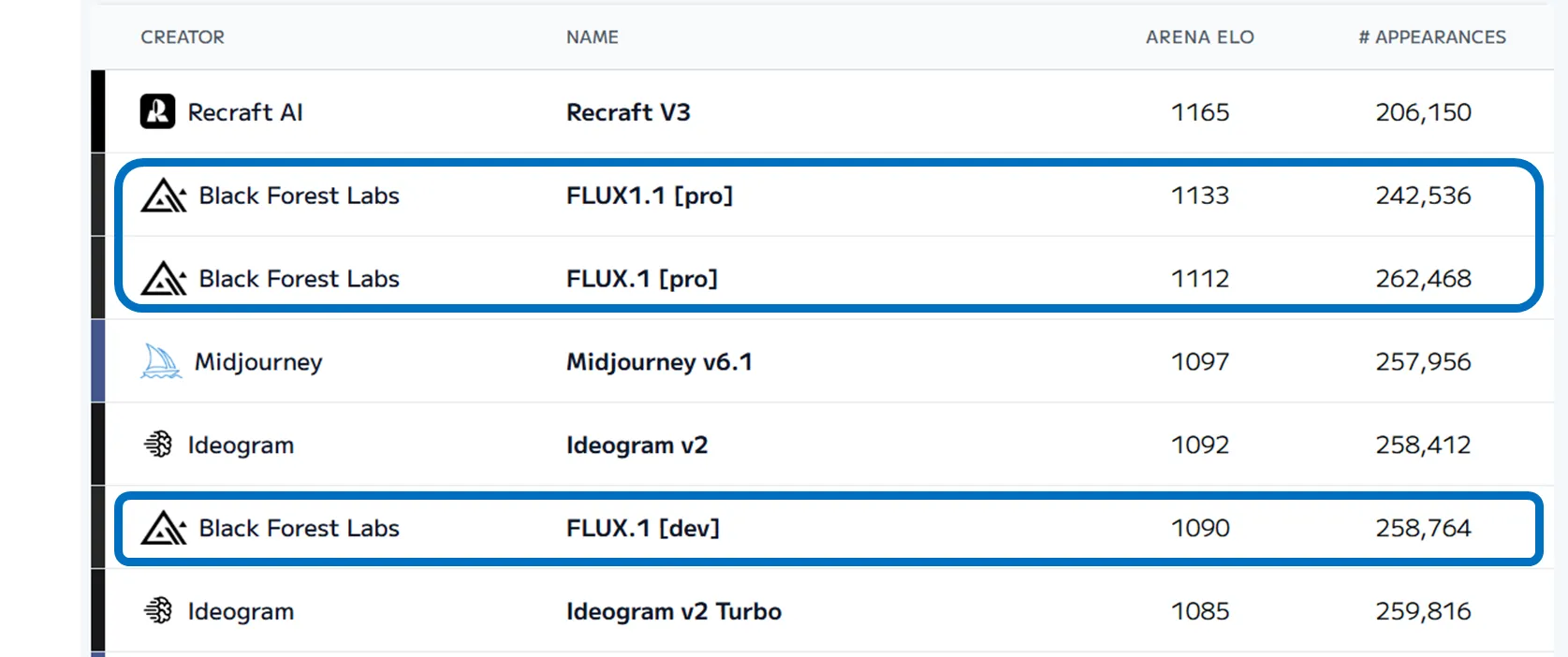
- Higher accuracy scores — The Text to Image Model Leaderboard consistently ranks FLUX near the top for photorealism.
- Less structural failure — Hands, fabric folds, and depth cues stay coherent, lowering retouching time.
- Open-source Dev build — Teams can fine-tune or self-host the Dev model to enforce brand styles.
- Clear commercial licensing — The Pro/Schnell tiers allow paid usage and API-based automation.
Product Highlights
Cinematic rendering quality
FLUX excels at simulating lens blur, dynamic lighting, and color grading. This makes it ideal for hero shots, B-roll replacements, and concept visuals where mood matters as much as accuracy.
Stable detail reproduction
- Accurate anatomy and clothing details, even with complex poses
- Natural depth and camera motion cues, reducing uncanny-valley issues
- Improved typography generation for mockups that include UI copy
Model lineup
| Model | Best for | Notes |
|---|---|---|
| FLUX.1 Pro | Enterprise production | Highest quality, API-only, commercial license |
| FLUX.1 Dev | Research & internal PoCs | Open-source, 12B params, non-commercial by default |
| FLUX.1 Schnell | Individuals & real-time mockups | Lightweight, ~$0.004 per image, commercial-friendly |
Getting Started with Flux AI Tools
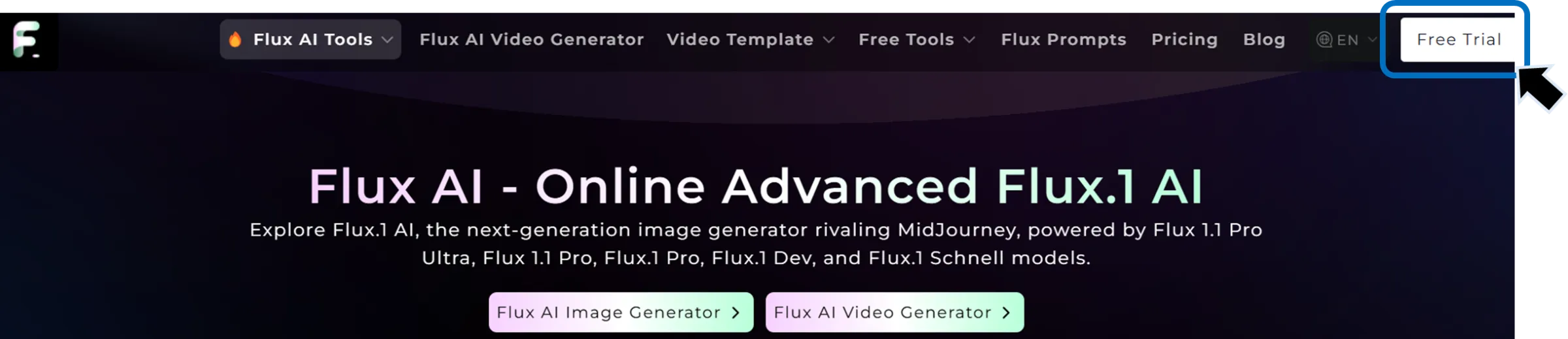
- Visit Flux AI Tools and choose Free Trial.
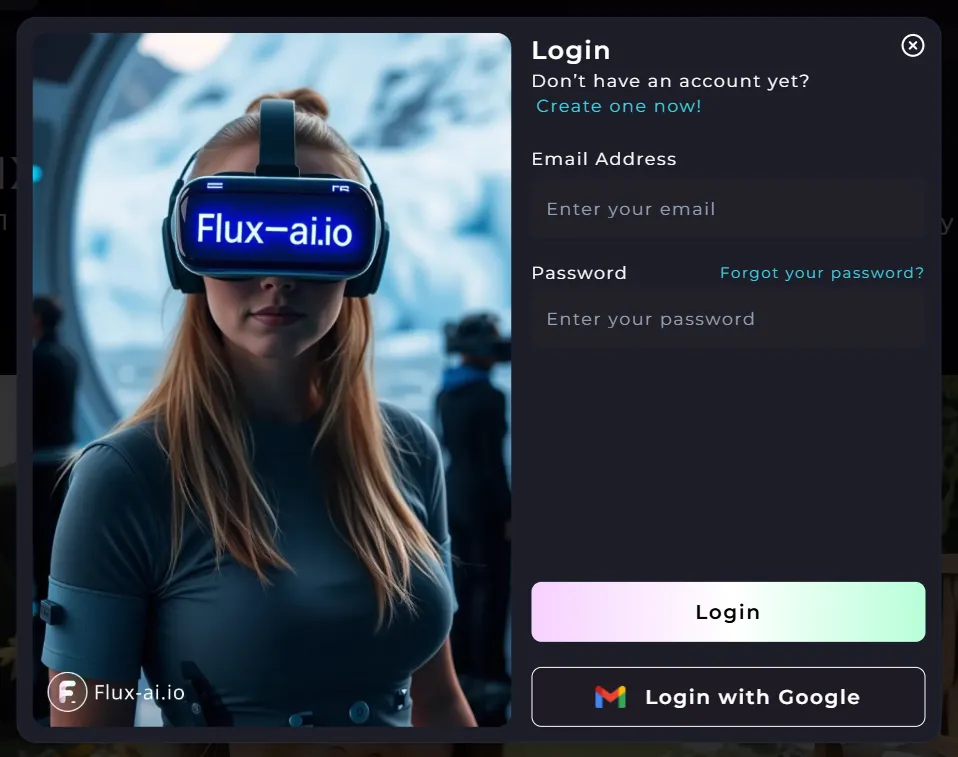
- Sign in with Google or email to create an account.
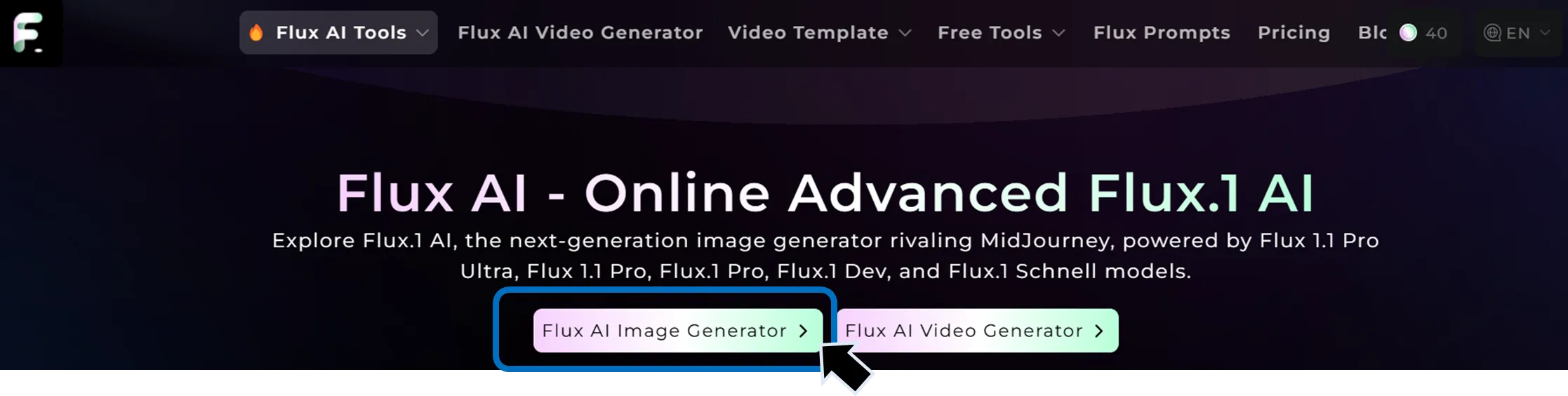
- Launch the Flux AI Image Generator from the dashboard.
- Inside the blue panel on the left, enter your English prompt plus model/aspect ratio, adjust guidance steps, and click GENERATE.
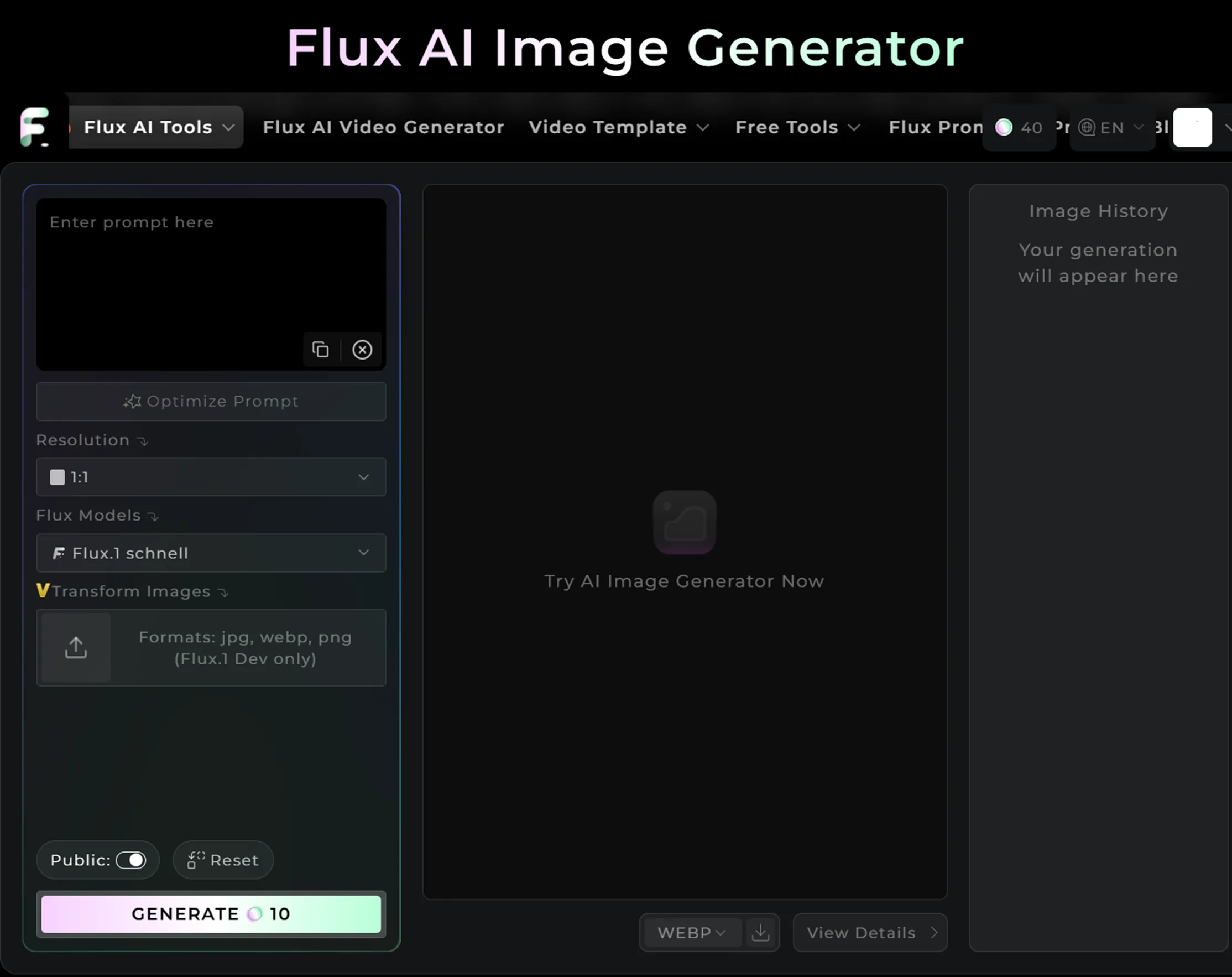
- Download the results and drop them into your Adbrand project templates, applying preset color grades or subtitle kits for quick alignment.
Sample prompt
make a skunk animated character wearing glasses. He will talk like a professor and will be used to give lectures on through video.
Pricing Snapshot
| Platform | Pro | Dev | Schnell |
|---|---|---|---|
| Replicate | $0.055 / image | $0.03 / image | $0.003 / image |
| fal.ai | $0.05 / MP | $0.025 / MP | $0.003 / MP |
| DeepInfra | – | $0.02 × (W/1024) × (H/1024) × (iter/25) | $0.002 × (W/1024) × (H/1024) × iter |
Always confirm the latest pricing and license language on each provider’s page before running production workloads.
Bottom Line
FLUX combines photoreal output, low artifact rates, and flexible deployment, making it a strong fit for teams that need to ship high-volume visuals without sacrificing craft. Pairing FLUX with Adbrand’s Brand Kits and export macros lets you turn generated shots into campaign-ready assets within minutes—delivering on Speed, Consistency, and Scale in a single workflow.